

Caring for Your Digital Photographs
Today I want to discuss something that is an extremely important part of your wedding or portrait session: how to properly store your digital photographs! As a wedding and portrait photographer, when I deliver heirloom artwork to my clients, I give instructions for caring for their artwork to withstand the test of time. Digital photographs also need proper storage handling in order to ensure their long life.
There are several options to consider for storing your digital photographs. Ideally you want to create several copies of your images in multiple locations. Here are a few options:
– USB flash drive
– Online cloud storage (ie: Dropbox, Google Drive, Flickr, etc)
– On your laptop or desktop computer
– In an off-site location, in addition to your on-site location (ex: on another USB flash drive, laptop or desktop)
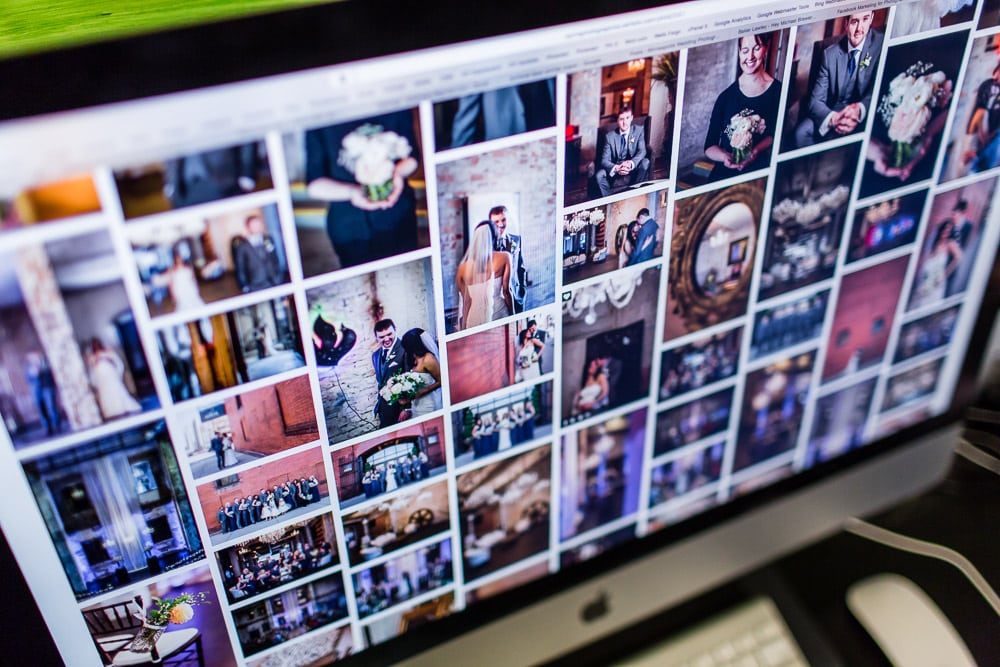
Best Way to Care for Your Digital Photographs
In a perfect world, you should consider creating a copy of your digital photographs that meets each of the criteria above. So for example, you would receive one copy from me on a USB flash drive. Then you would make a copy on your laptop or desktop computer. Then you would make another copy on your cloud online storage. And then you would make a final copy (either on another USB flash drive, or else directly onto another laptop or desktop computer) to store at your job or a close relative’s house. In this way, you would have at least 3-4 copies of your digital photographs. This would greatly reduce the chances of having your images permanently lost or destroyed. And of course, if any of these copies become lost or destroyed, you would then need to create a new copy to replace those lost backups. That way you will always maintain 3-4 copies of your photographs.

I hope this article helps you safely store your beautiful digital photographs for generations to come! If you have any questions about this or other advice, feel free to contact me soon.
Looking for More Advice and Opinions? Check out some of my other help articles:
Top 10 Things to Look for When Hiring a Wedding Photographer
Wedding Day Photography Tips
To Look or Not to Look? Having a First Look on Your Wedding Day
Should You Have an Unplugged Wedding Ceremony?

